Google Search Console Basics for Local Service Businesses

SD Team • June 3, 2026

Prefer to listen to this blog post?

If your best service page drops out of Google, Google Search Console usually knows before your phone does.


That matters more than a lot of owners think. If you run a service business, you do not need another pretty dashboard. You need one place that tells you whether Google can find your pages, what people searched to reach you, and where your site is quietly losing visibility. Prioritizing these insights is a vital part of Local SEO, as it ensures your business remains discoverable to customers in your specific area.


Once you understand the features provided by Google Search Console, you can stop guessing and start making cleaner decisions.

Key Takeaways


  • Focus on what matters: Do not get lost in every technical chart; prioritize the Performance, Page indexing, and Sitemap reports to monitor how your core service pages appear to customers.


  • Search Console is a diagnostic tool: Use it to catch indexing issues, crawl errors, and visibility drops early, rather than treating it as a lead-tracking system for individual sales or phone calls.


  • Prioritize quality over quantity: Use data to identify which pages actually drive relevant local traffic and refine your content, rather than cluttering your site with thin, underperforming location pages.


  • Connect data to business reality: Don't just look for traffic growth; analyze whether your search queries align with your actual service offerings and high-margin jobs to ensure you are attracting the right local customers.
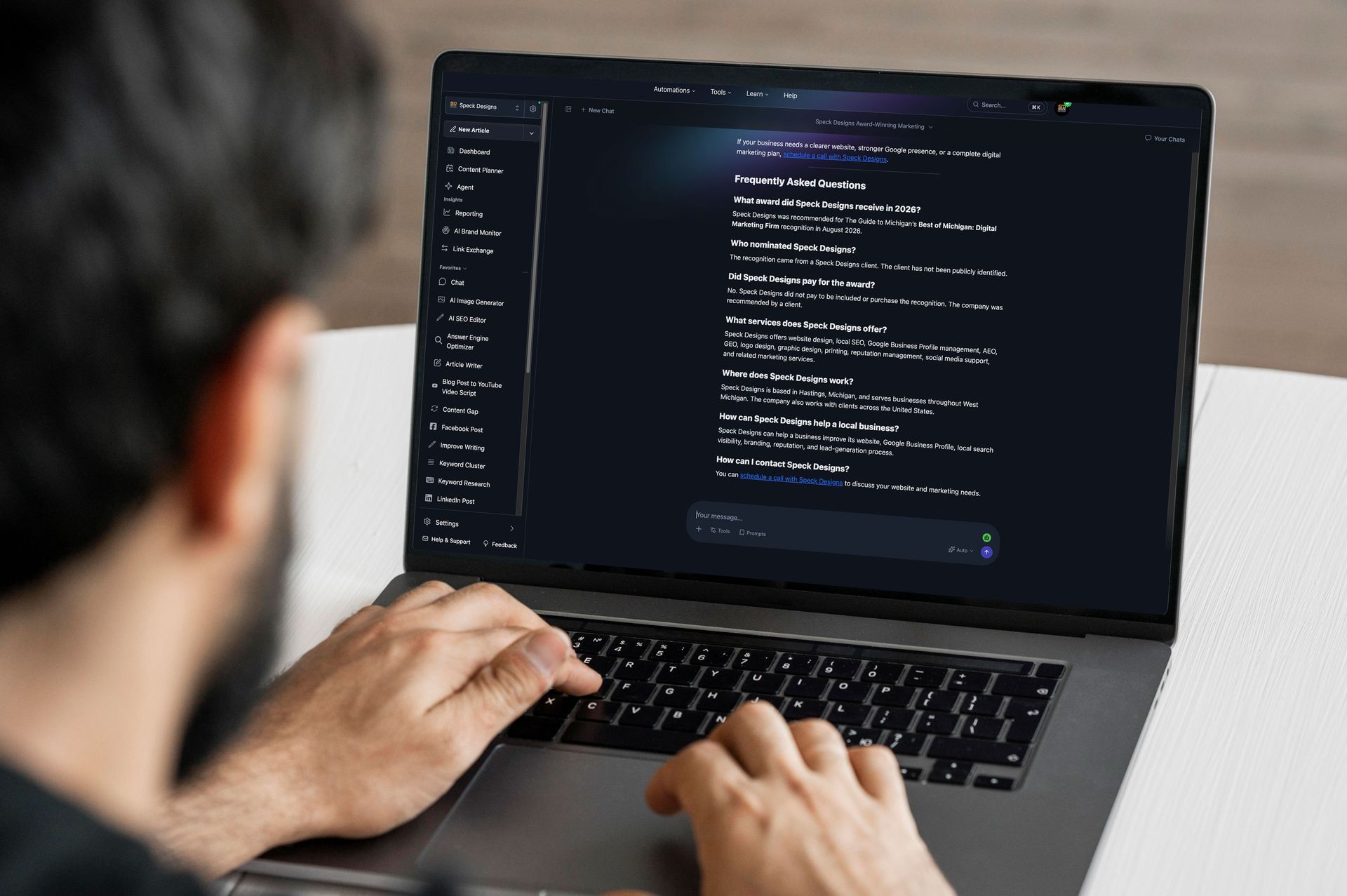
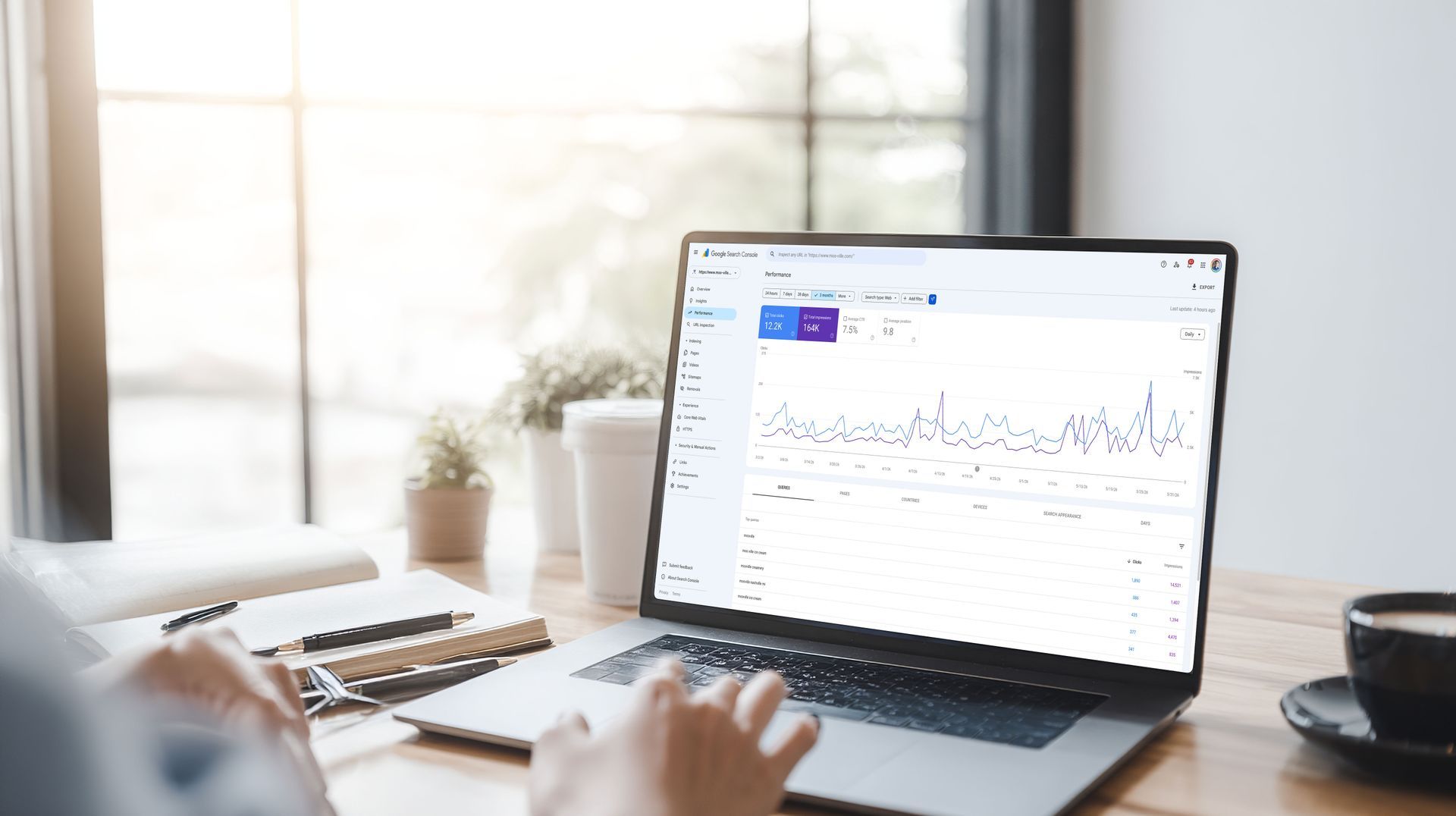
Hands typing on a laptop showing an analytics dashboard in a bright office

What Google Search Console actually tells you

Google Search Console is a free tool from Google that shows how your website performs in search. It provides deep insights into your search queries, how often your pages appear, and the volume of clicks they receive. It also lets you know if Google encountered any trouble crawling or indexing your site.


For a local service business, that data is incredibly practical. People are often searching with local intent, looking for quick solutions to immediate problems. Think of searches like water heater repair near me, family lawyer in Hastings, or roof leak repair. If your core service pages are not appearing in the local search results, you are not just missing traffic; you are missing calls from potential customers.


Here is the part many owners get wrong. Search Console is not a lead tracker. It will not tell you exactly who called, who filled out a form, or which specific job turned into revenue. Furthermore, it does not replace your Google Business Profile, your website platform, or your primary analytics setup.


Instead, the tool does something more fundamental. It shows you exactly how Google perceives your site.


If your phone lines slowed down next month, would you know whether market demand dropped or whether Google stopped showing an important page?


That question is exactly why understanding these Google Search Console basics is a pillar of effective Local SEO. If you would rather have a professional handle the technical setup, data cleanup, and ongoing monitoring, local SEO services for small businesses can take that weight off your shoulders.


How to set up Google Search Console for your local business

Getting started with Google Search Console is straightforward, and you only need to do it once. Follow these steps to ensure your site is correctly linked to Google's data.


  1. Sign in with a Google account: Use the same Google account you use for your Google Business Profile to keep your business assets consolidated.

  2. Add your property: Go to the Google Search Console website and click 'Add Property.' Choose the 'Domain' option if you want to track your entire site, or 'URL-prefix' if you only want to track a specific subfolder.

  3. Verify ownership: If you use a common website platform like WordPress, Squarespace, or Wix, Google will provide a verification method, usually requiring you to add a DNS record or an HTML file to your site's settings. Follow the on-screen prompts for your specific provider.

  4. Submit your sitemap: Once verified, find the 'Sitemaps' tab on the left-hand menu. Paste your website's sitemap URL (usually yourdomain.com/sitemap.xml) and click 'Submit.' This tells Google exactly which pages you want it to crawl.

  5. Add users: If you work with a marketing team or an SEO professional, use the 'Settings' menu to grant them 'Full' or 'Restricted' access so they can monitor your performance without needing your personal login credentials.


Once these steps are complete, it may take a few days for Google to populate your data. Check back in a week to start seeing your initial search queries and performance trends.


Get the setup right once, then keep it simple

The setup does not need to be fancy. It needs to be correct.


If possible, verify your full domain instead of only one URL version. Then submit your XML sitemap. After that, spend a little time in the main areas that matter: Performance, Page indexing, and Sitemaps. That is enough to get useful answers without turning this into a part-time job.


A good starting point looks like this:

  1. Verify ownership of your site in Search Console.
  2. Submit the XML sitemap your website creates to ensure all URLs are discoverable.
  3. Check that your local landing pages and location pages can be indexed properly.


For the nuts and bolts around crawlability and page structure, Google's SEO Starter Guide is still one of the better references. You should also consider implementing structured data, specifically using schema markup in JSON-LD format. This practice helps Google understand your business better, which can significantly improve your search appearance in local results. Proper configuration helps you catch potential indexing issues before they negatively impact your search visibility.


Then keep it boring. Boring is good here. Check it monthly. Keep a short note when you launch a new page, redesign a service page, change titles, or move URLs. That way, if impressions drop later, you are not trying to solve a mystery with no timeline.


One more thing, and this is where a lot of local companies trip over themselves. Do you actually know which page should rank for each core service and each real service area you want? If the answer is no, Search Console will not fix that confusion for you. It will expose it.


The reports worth checking every month

You do not need to stare at every menu item. Most local businesses can get plenty of value from just a few key reports. If you want a quick overview without diving into the technical weeds, you can also use Search Console Insights for a streamlined summary of how your content performs.


Here is the quick version of what to look for:

Report What to Look For Why it Matters
Performance report Search queries, impressions, clicks, CTR, and average position Shows what terms bring traffic and which pages earn attention
Page indexing Important pages marked as not indexed, including crawl errors Tells you when Google can or cannot show a page in results
Sitemaps Whether your sitemap was read successfully Helps Google discover new and updated pages quickly
Core Web Vitals Major speed issues and mobile usability problems Flags experience issues that can hurt local rankings

The performance report is usually the first place to start. Filter by pages and search queries to see how your site shows up for local intent. Look for service terms, city names, and pages that have high impressions but a low CTR. If your AC repair page gets plenty of views in the search results but hardly any clicks, it does not mean the page is useless. It might mean your title tag is vague, your meta description is weak, or your average position is not high enough to capture the user's attention.


Page indexing is the next big area to monitor. If your top service page is not indexed, nothing else matters until that gets fixed. You cannot rank a page that Google is not including in its index. Keep an eye out for any crawl errors that might prevent Google from accessing your most important content.


Sitemaps are less exciting, but they remain important. When you add or update pages, a valid sitemap helps Google discover those changes faster.


Core Web Vitals matter most when a key page has obvious problems, especially regarding mobile usability. Local customers are usually on phones, and if a page drags, shifts around, or feels broken, people will leave immediately.

If you want a second explanation built around local businesses, BrightLocal has a helpful introduction to Search Console for local businesses.


The big takeaway is pretty simple. Check the reports that answer real business questions. Do not go fishing through every chart just because the tool makes it available.


How to read the numbers without fooling yourself

This is where a lot of owners, and honestly, a lot of marketers, start telling themselves nice stories.


More impressions don't automatically mean better business. A blog post can pull traffic and still bring in zero leads. A page can rank for broad informational searches that never turn into jobs, while failing to capture the specific long-tail keywords that actually convert. Branded searches can rise because people already know your company, not because your SEO strategy improved.


So when you look at Search Console, don't ask only, "Did traffic go up?" Ask, "Did the right traffic show up?"


That is a better question.


Search Console also has limits. It shows data from Google Search, but it does not track phone calls or closed sales. For a complete picture of your performance, you need a robust GA4 integration to bridge the gap between site visits and final revenue. Because Search Console is not real-time, do not panic over every tiny swing in your daily clicks or traffic volume.


A single manual search from your office can fool you too. Your own local search results are often skewed by your location, device, and past activity, which is why your personalized view is not a clean benchmark. Search Console is superior because it reflects broader site data over time rather than one biased perspective.


This is also where branded searches deserve a closer look. If people search your business name but do not engage as often as you expect, the issue may be a lack of trust or recognition. Establishing E-E-A-T is essential for showing Google and your customers that you are a legitimate, authoritative provider. Sometimes the brand itself needs a professional refresh, and that is where custom logo design services can make a real difference in how you are perceived.


Are the people finding you looking for the work you want, or are they landing on your site for services you do not offer? If you do not ask that, the numbers might look good on paper while the business stays flat.


Common problems Search Console catches early

Search Console is good at spotting problems before they become expensive.


The big ones for local service companies are pretty predictable. Important pages fail to appear in search results, old URLs continue to collect impressions after a redesign, a page returns a server error, or a sitemap becomes outdated. You might also find Google indexing duplicate versions of the same page or notice that mobile performance slips on a page that previously performed well.


If a money page isn't indexed, ranking tricks won't save it. When you encounter these common indexing issues, start by investigating the page itself. Use the URL inspection tool to see if Google can crawl and render the content successfully. Look for accidental noindex tags, bad canonicals, broken internal links, or redirects pointing to the wrong destination. If you recently rebuilt the site, compare your current URL structure against the old one. Many ranking drops after redesigns stem from simple page mapping mistakes rather than mysterious Google penalties.


As you audit these pages, verify your NAP consistency across the site. Ensuring your Name, Address, and Phone number remain accurate and uniform is vital for local search authority, especially when you are cleaning up technical errors or mapping old pages to new ones. Always fix the root cause before you request re-indexing. Requesting a crawl without fixing the underlying page is like resetting a smoke alarm while the kitchen is still on fire.


This is also a good place to challenge another bad habit: creating too many weak local pages. More pages do not necessarily equal more visibility. If you have 30 thin city pages that say almost the same thing, Search Console will often show you the truth. One or two pages might get impressions while the rest sit there doing nothing.


A tighter set of strong, well-optimized pages usually wins.


Use Search Console to improve the pages that make money

The best use of Search Console is not just reporting, but refinement.


Let's say your plumbing page gets impressions for emergency water heater repair, but the page barely mentions your emergency service capabilities. That is a clear clue. You should add clearer copy, tighter headings, better FAQs, and proof that you handle urgent calls. If a location page gets impressions for one nearby town more than another, that may tell you where to focus your local keywords to build stronger regional authority. You can also implement structured data on these pages to help Google understand your content better, which often leads to earning rich results like star ratings or review snippets that grab attention in search results.


This is where service businesses can make smarter decisions instead of louder ones. Do not chase every query. Improve the pages tied to real services, real margins, and real service areas.


Offline visibility matters here too, probably more than some owners admit. A lot of local searches start after someone sees your truck, sign, postcard, or card in a waiting room. They do not always call on the spot. They Google you later. That is one reason custom business card and brochure printing still supports search visibility in a roundabout but real way.


Search Console gives you the trail. Your job is to connect it to the business.


GSC Frequently Asked Questions

Google Search Console is not designed to fix map ranking issues directly, as your position in local map packs is primarily managed through your Google Business Profile. However, it helps you identify if technical issues on your website are preventing Google from crawling or indexing the local landing pages that support your business listings. Fixing these underlying site issues ensures that your website is fully discoverable, which can indirectly support your broader local search presence.


Is Google Search Console the same as Google Business Profile?

No, they are entirely different tools. Google Business Profile manages how your business appears on Maps and local search, while Google Search Console tracks how your entire website performs in organic search results.


How often should I check my Search Console reports?

A monthly check is sufficient for most local businesses. Establishing a consistent monthly routine helps you spot trends or errors without turning SEO management into a full-time job.


Can I track my phone calls and leads directly in Search Console?

No, Search Console does not track individual leads, phone calls, or sales. You should integrate your site with GA4 (Google Analytics) if you want to connect website visits to final conversions and revenue.


What should I do if my best service page stops appearing in search results?

First, use the URL inspection tool to see if Google can crawl and index the page correctly. Check for technical issues like accidental 'noindex' tags, broken redirects, or server errors before requesting a new crawl.


Conclusion

You do not need to become an SEO technician to get value from this tool. You simply need a short monthly habit, a clear sense of which pages matter most, and the discipline to look past vanity metrics.


The strongest takeaway is this: mastering Google Search Console basics helps you catch visibility problems early and improve the pages that bring actual leads rather than just random traffic. By integrating these insights into your broader Local SEO strategy, you ensure your website remains a consistent engine for business growth.


If your site is supposed to support the business, it should be measurable in plain English. Search Console helps you do exactly that. If you want help making that happen, our local SEO services for small businesses can help.

Steven, the owner of Speck Designs in front of mountains.

The copywriting team at Speck Designs writes about branding, web design, SEO, content strategies, and much more for service-based businesses. Our goal is to publish clear, usable guidance you can apply right away, whether you are improving a local SEO foundation, building better landing pages, or tightening your brand message. We focus on what drives leads, not just traffic.


Ready to see how Speck Designs can help you keep your best clients and fuel business growth? Schedule your call today. Let's build lasting client partnerships through elevated customer engagement and powerful reputation management together.


Person using a laptop on an outdoor bench beside greenery
By SD Team May 20, 2026
Get your business into AI search answers with clear service pages, a tight Google Business Profile, and trust signals AI can read.
Person in blue shirt viewing a desktop monitor showing “UNBREAK IT” and code in a workspace.
By SD Team May 5, 2026
AI logo designs can look fine on screen and still fail in print. See why one image isn't a finished logo, and what files you actually need.
A man is using a lapotop to complete an online form on Lakeshore Barrier Frees website.
By SD Team April 21, 2026
Learn how to build website service area pages that rank in Google, match local intent, avoid duplicate content, and turn nearby searches into leads.
SHOW MORE BLOGS