AI for Small Business Marketing: 7 Practical Uses
Prefer to listen to this blog post?
How Small Service Businesses Can Use AI to Improve Their Marketing
Quick answer: AI can help service businesses save time on marketing tasks like drafting review responses, organizing customer feedback, and building content ideas, but every result still needs a human review for accuracy, privacy, and brand voice.
At A Glance
- AI saves time by automating routine marketing tasks.
- It helps generate ideas, analyze customer data, and improve campaign performance.
- Human oversight remains essential for maintaining accuracy and a consistent brand voice.
- Businesses that combine AI efficiency with authentic expertise often produce stronger results than either approach alone.
What Can AI Help a Small Business Do in Marketing?
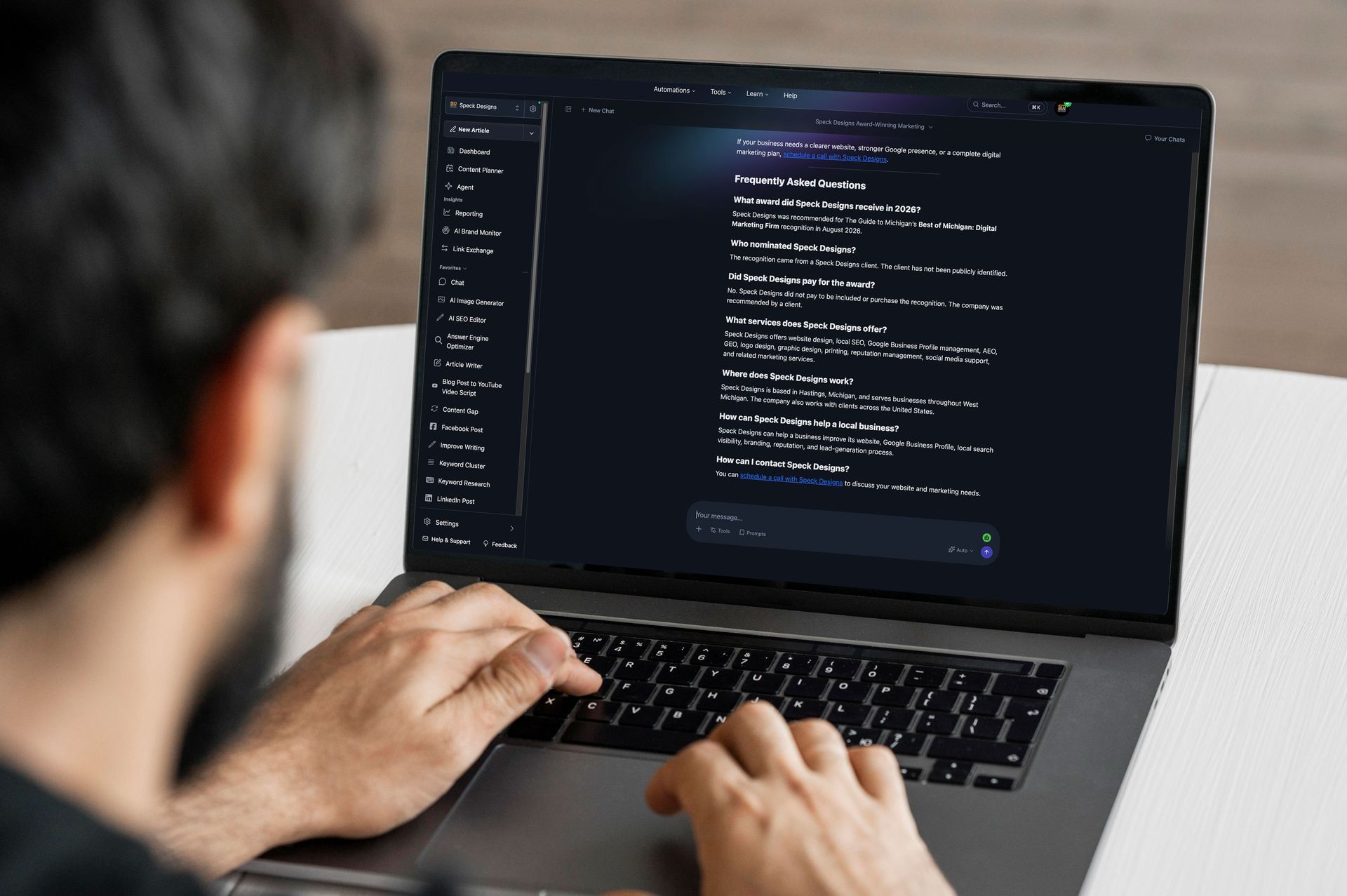
Many business owners spend too much time drafting social posts, writing emails, researching competitors, or organizing customer feedback. These tasks matter, but they often crowd out time for strategy and actual customer relationships.
AI tools work best when they solve specific operational challenges instead of trying to replace an entire marketing process. Google has stated that using AI to assist with content does not automatically violate its guidelines. The concern is low-value content created mainly to manipulate search rankings. Businesses should use AI to improve useful content, not to publish large amounts of thin, unedited pages. Google's own guidance on generative AI content and people-first content guidance both point to this same idea.
7 Practical Ways Local Service Businesses Can Use AI
1. Turn Google reviews into content ideas
Use AI to group repeated themes from customer reviews, such as fast response times, clear communication, clean work, or reliable scheduling. These themes can become Google Business Profile posts, service-page FAQs, email topics, or social captions.
2. Draft personalized review responses
Let AI create a first pass, then personalize the final response with real details before it goes public. Never paste private customer information into a public AI tool.
3. Create Google Business Profile post drafts
Use AI to organize a week's worth of post ideas around recent jobs, seasonal services, or common questions, then confirm accuracy before publishing.
4. Build FAQ and service-page topic ideas
Use AI to organize the questions customers actually ask before hiring you, then have the detailed prompts reflect your real service area, pricing context, and job examples.
- Example prompt: “Review the below customer comments and group them into five common themes. For each theme, suggest one Google Business Profile post idea, one website FAQ, and one social media topic. Do not invent facts, customer details, services, locations, or results.” [add the customer comments]
5. Simplify technical service descriptions
Rewrite technical or jargon-heavy service copy in plain language a first-time customer would actually understand.
6. Write email and social media first drafts
AI can draft blog posts, emails, and social captions quickly, but the final version needs to sound like your business, not a generic chatbot. Ignoring brand voice and customer expectations is one of the most common ways AI content falls flat.
7. Summarize marketing performance data
Use AI to summarize monthly SEO results into a quick read: what worked, what didn't, and what to try next. You can also use AI to organize the questions customers ask before hiring you. Then answer those questions using your real service area, pricing factors, process, and job examples.
Example: How a Service Business Can Turn Customer Reviews Into Content
A local plumbing company may receive reviews that repeatedly mention fast response times, clear communication, and clean work areas. AI can group those themes and suggest post ideas. The business owner then adds real details, like the services offered, the service area, and an actual recent job. This has been working for our client, TCS Plumbing, based in Hastings, MI. Their Google Map rankings for “water heater repair” have increased by 255% since January 2026.
- What AI does: Organizes review themes and creates a first draft.
- What the owner does: Checks accuracy, adds local details, and makes the message sound human.
- What to measure: Calls, direction requests, website clicks, and new reviews.
What AI Should Not Do for Your Business
Business owners sometimes expect AI to produce finished marketing materials with little effort. In reality, successful marketing still depends on human judgment. Common mistakes to avoid include:
- Publishing AI-generated content without editing
- Ignoring brand voice and customer expectations
- Using outdated or inaccurate information
- Creating large amounts of low-value content instead of useful resources
- Forgetting to monitor performance after publishing
- Creating fake before-and-after images or made-up customer testimonials
- Responding to negative reviews without a human review first
- Uploading private customer information into an AI tool
The most successful businesses treat AI as a productivity partner, not an autopilot system.
Use AI to Support Visual Content, Not Replace Your Brand
AI-generated images can help with blog header graphics, social post backgrounds, and simple concept visuals, and A text-to-image tool like Adobe Firefly's AI image creator can generate a visual concept from a written description. Before using the image commercially, review the tool’s terms, confirm that the image fits your brand, and check it for inaccurate or misleading details. AI images shouldn't replace real project photos, team photos, or proof of completed work. For local service businesses, authentic photos of finished jobs, your team, and your vehicles usually build more trust than an AI-generated scene ever will.
Before using an AI-generated image publicly, check it for strange text, incorrect tools or equipment, unsafe-looking scenes, inaccurate uniforms, and whether it actually matches your brand colors and style. If an image could be mistaken for a photo of completed work you didn't actually do, don't use it.
The AI Marketing Review Checklist
Before publishing anything AI helped create, run it through six quick checks:
- Accuracy: Are the services, pricing, locations, and claims correct?
- Brand voice: Does it sound like your business, not a generic chatbot?
- Customer privacy: Did anyone paste private customer information into the tool?
- Local relevance: Does it include your real service area, customer concerns, and business details?
- Originality: Does it add firsthand knowledge, examples, or opinions?
- Conversion: Does it tell the reader what to do next?
Do not paste customer names, phone numbers, addresses, payment details, private conversations, or sensitive records into an AI tool unless you understand its privacy controls and terms.
Use anonymized examples whenever possible. Businesses should also review user permissions before connecting an AI tool to a CRM, email account, analytics platform, or other customer system.
How to Choose an AI Tool for Your Business
Follow a consistent process rather than trying to overhaul your whole marketing workflow at once:
- Define one clear marketing goal before you touch a tool.
- Select an AI tool designed for that specific task.
- Review and edit every AI-generated output.
- Publish only after confirming facts, tone, and branding.
- Measure results and refine your approach for next time.
Good first tasks include drafting review responses, turning customer questions into content ideas, and summarizing monthly results. Avoid starting with anything that publishes to the public without a human reviewing it first, especially testimonials, before-and-after claims, or responses to negative reviews.
Frequently Asked Questions
Can small businesses benefit from AI marketing?
Yes. Small businesses can use AI to reduce time spent on repetitive tasks such as drafting review responses, planning social posts, summarizing customer feedback, and creating first drafts of emails. The owner still needs to verify facts, protect private information, and make the final message sound like the business.
What should a small business not use AI for?
Don't use AI to invent testimonials, create false project images, make unsupported claims, or publish unedited content. Avoid entering customer records, private account details, financial information, or sensitive personal data into an AI tool unless you understand its privacy settings and terms.
Will AI replace marketing professionals?
No. AI assists with research, drafting, automation, and analysis, but people remain responsible for strategy, creativity, customer relationships, and quality control.
Learn More About Responsible AI
Businesses looking to better understand AI, its opportunities, and its broader impact can explore the National Institute of Standards and Technology's AI Resource Center. It provides practical guidance, research, and educational materials that help organizations make informed decisions about adopting AI responsibly.
Need Help Turning Marketing Ideas Into Leads?
AI can help you save time on drafts, but it can't fix an unclear website, a weak Google Business Profile, or a message that doesn't build trust with your customers. That part still comes down to strategy, design, and local visibility.
Speck Designs helps local service businesses across West Michigan improve their websites, SEO and Google Business Profile visibility, and branding, so AI-assisted efficiency turns into real leads. If you want a related read first, check out why digital presence matters for your local business. Or start a conversation to find your biggest opportunities.
About the Author:
Cecelia Johnson is a marketing writer at Recognition Works, covering practical strategies for small businesses navigating AI, branding, and digital growth. She can be reached at cecelia@recognitionworks.org with questions or story ideas. This post was reviewed by Steven at Speck Designs. Speck Designs helps local service businesses improve their websites, branding, SEO, and Google Business Profiles.