Why Is My Website Not Bringing In Customers? 7 Things to Check

SD Team • October 29, 2026

Prefer to listen to this blog post?

A website can look professional and still struggle with a common frustration: a website not bringing in customers. First, find out whether people are reaching your site. Then check whether your site gives them enough information and confidence to contact you.


At Speck Designs, when business owners ask why their website is not bringing in customers, we start with three questions:

  • Can visitors understand what this business does?
  • Can they tell where it provides services?
  • Can they easily find a way to contact it?


If any answer is unclear, your website may be making potential customers work too hard.


Before you spend more on marketing or decide you need a new website, check these seven things.

7 Things to Check

  • Are the right people visiting your website? (see more)
  • Can visitors quickly understand your services? (see more)
  • Is your service area clear and consistent? (see more)
  • Do visitors have a reason to trust you? (see more)
  • Is your website easy to use on a phone? (see more)
  • Is calling or requesting a quote simple? (see more)
  • Are you tracking inquiries and responding quickly? (see more)

1. Are the right people visiting your website?

Not every website visit is a potential customer.


A plumbing company in Michigan might attract readers from across the country with a helpful article. That traffic can be useful, but most of those readers cannot hire the company.


Look beyond the total number of visitors. Ask:

  • Are visitors in an area you serve?
  • Are they viewing your service pages or only reading blog posts?
  • Are they searching for services you actually offer?
  • Are they finding you through Google, your Business Profile, referrals, or another source?


Google Search Console shows which searches and keywords bring people to your website. Google Analytics can show which pages visitors view and which actions they take when tracking is configured. Keep in mind that Search Console does not tell you which visitors became customers. You need inquiry and booking information for that.


What to fix first: If you have very few relevant visitors, work on visibility. If people reach your service pages but rarely contact you, work through the remaining checks.


If your main problem is being found at all, read our guide to why your website isn't showing up on Google.


2. Can visitors quickly understand your services?

A visitor should not have to decode your homepage.


Phrases such as "quality solutions" or "excellence you can trust" do not explain what someone can hire you to do.


Compare these two examples:

  1. Unclear: "Your trusted partner for property solutions."
  2. Clear: "Residential plumbing repairs, water heater installation, and drain cleaning in Hastings, Michigan."


The second version answers practical questions immediately.


At Speck Designs, unclear service descriptions are one of the problems we commonly find when reviewing business websites.


Each main service page should explain:

  • What the service includes.
  • Who it is for.
  • Which problems it helps solve.
  • What the customer should do next.


What to fix first: Rewrite the opening headline and paragraph. Name the service plainly before explaining what makes your business different.


3. Is your service area clear and consistent?

Someone may like your website but leave because they cannot tell whether you serve their location.


Do not make visitors search your footer for that answer.


State your main service area near the top of your homepage. Include relevant location details on service pages and your contact page.


Be specific and accurate. List the communities or region you actually serve, rather than every nearby city you hope to reach. We recently updated TCS Plumbing’s website to better reflect the areas the company serves. A previous marketer had advised the business to include “Grand Rapids” on every page for keyword optimization, even though TCS Plumbing is based in Hastings and does not complete many jobs in Grand Rapids.


Location terms should reflect the places a business actually serves. Repeating a city name across the site does not help visitors decide whether a company is a good fit if the business rarely works there.


Then compare your website with your Google Business Profile. Check that shared information agrees, including:

  • Business name and phone number.
  • Products and services.
  • Locations and service areas.
  • Business hours.
  • Website and appointment links.


The wording does not need to be identical. The facts should agree.


Does a website still matter when people use AI?

Yes. AI answers can draw information from websites and other sources. Your website remains a place to explain your services, show your work, and help people contact you.


Google's guidance for appearing in AI search features says established SEO practices still apply. It also recommends keeping Business Profile information up to date.


A website does not guarantee an AI recommendation. But abandoning it removes a source of information you control.


What to fix first: Make your service area easy to find, then correct conflicting facts across your website and Business Profile.


4. Do visitors have a reason to trust you?

Saying "we provide great service" is not the same as showing evidence.


Potential customers want to know whether your business handles work like theirs. Real project photos, relevant reviews, and accurate credentials help answer that question.


For a service business, useful trust signals include:

  • Photos of completed work.
  • Reviews that mention a specific service.
  • A clear introduction to the owner or team.
  • Relevant licenses, certifications, or insurance information.
  • A simple explanation of what happens after an inquiry.


Use credentials only when they are current and apply to your business.


Place these trust signals near the service they support. A water heater installation page is a useful place for an installation photo and a review about that work.


Beyond the website

We also check whether a business has a Google Business Profile listing the same information, services, and reviews. A GBP is separate from a website, but it can support a customer’s confidence as they compare local businesses. This is why we created Get Real Leads: to help local businesses increase their search rankings without needing a huge monthly budget.


One super important rule to follow is: if you show reviews on your GBP or website, make sure they are genuine and relevant.


What to fix first: Add a real project photo and a relevant customer review to a key service page. Get permission where needed.


5. Is your website easy to use on a phone?

A website can look good on your office monitor and still be frustrating to use on a mobile phone.


Open your site on your own phone. Try to find a service, check the service area, and contact the business.


Watch for:

  • Text that is difficult to read.
  • Buttons that are too small or crowded.
  • Pop-ups that cover important information.
  • Images that load slowly.
  • A contact form that is awkward to complete.
  • A phone number you cannot tap to call.


Do not stop at looking at the homepage. Complete the tasks a customer would attempt.


Submit a test inquiry and confirm that it reaches the right person. Check the confirmation message, too.


What to fix first: Remove anything that blocks the path from understanding a service to contacting you. That is a core part of effective website design, not just a visual detail.


6. Is calling or requesting a quote simple?

A visitor should never wonder, "What do I do next?"


Choose one clear call to action for each service page. Depending on your business, that might be:

  • Call to discuss your project.
  • Request an estimate.
  • Schedule an appointment.
  • Ask about availability.


Use button labels that explain the action. "Request an Estimate" tells potential leads more than "Learn More."


Keep the first-contact form focused. Ask for the information you need to respond, rather than every detail you might need later.


Explain what happens after submission so each lead knows how to proceed. If you state a response time, make sure your team can meet it.


What to fix first: Put a clear contact option near the top of important pages and again after the service details. Test both.


7. Are you tracking inquiries and responding quickly?

Sometimes the website generates interest, but the business loses the opportunity afterward.


A delayed response, or no response at all, can cost you the opportunity. If a customer does not hear back, they may contact the next business to see who can help.


Responding quickly matters because the customer may be contacting several businesses. They need help, not uncertainty about whether their message arrived.


Check your process:

  • Who receives website inquiries?
  • Who handles missed calls?
  • Is there a backup when that person is unavailable?
  • Do form notifications reach the inbox?
  • Are unanswered estimates followed up?
  • Can you tell which leads become booked jobs?


An automatic confirmation can acknowledge a message. It doesn't replace a useful personal response.


Google Analytics can help, but its data is useful only when conversion events and outcomes are tracked. Calls and offline bookings need appropriate tracking, too. Review the conversion path from inquiry to response, estimate, and booked work. Compare booked-work outcomes with Google Analytics reports, then calculate your conversion rate.


What to fix first: Assign one person to own new inquiries, with a backup and a response process your team can maintain.


The Speck Designs Website-to-Customer Checkup

You don't need to fix everything at once. Start by identifying where the process breaks.

Area Main Question First Priority
Get Found Are relevant people reaching the site? Review search visibility and traffic sources.
Earn Trust Can visitors understand the service and feel confident? Clarify services and locations, then use trust signals as evidence.
Make Contact Easy Can people inquire, and does someone respond? Test mobile contact options and follow-up.

Choose your top three fixes based on what you find.


A broken contact form deserves attention before a new homepage animation. An unclear service description matters more than another slogan. Unanswered inquiries need a process, not more traffic.


Your website supports lead generation by helping the right person understand your business, trust it, and take the next step.


Frequently Asked Questions


Why is my website getting visitors but not customers?

Visitors may be outside your service area, looking for services you don't offer, or unsure what to do next. Check which pages they visit and whether your services, locations, and contact options are clear.


What should I fix first if my website isn't bringing in customers?

Start by finding where the process breaks: relevant visitors reaching your site, visitors understanding and trusting your business, or inquiries getting a response. Fix the biggest obstacle first, such as a broken contact form or unclear service information.


How can I make it easier for visitors to contact my business?

Add a clear contact option near the top of important pages and after the service details. Keep forms focused, use button labels that describe the action, and test that inquiries reach the right person.


What information should a service page include?

Explain what the service includes, who it's for, and which problems it helps solve. Include your service area, relevant proof such as project photos or reviews, and a clear next step.


Not Sure What Is Holding Your Website Back?

Speck Designs can review your website and Google Business Profile, starting with the questions that matter to potential customers:

  • What do you do?
  • Where do you do it?
  • How can someone contact you?


We can also look for unclear service information, missing trust signals, mobile problems, and conflicting business details.


Request a Website and Google Business Profile Review.

Steven, the owner of Speck Designs in front of mountains.

The copywriting team at Speck Designs writes about branding, web design, SEO, content strategies, and much more for service-based businesses. Our goal is to publish clear, usable guidance you can apply right away, whether you are improving a local SEO foundation, building better landing pages, or tightening your brand message. We focus on what drives leads, not just traffic.


Ready to see how Speck Designs can help you keep your best clients and fuel business growth? Schedule your call with Steven today. Let's build lasting client partnerships through elevated customer engagement and powerful reputation management together.


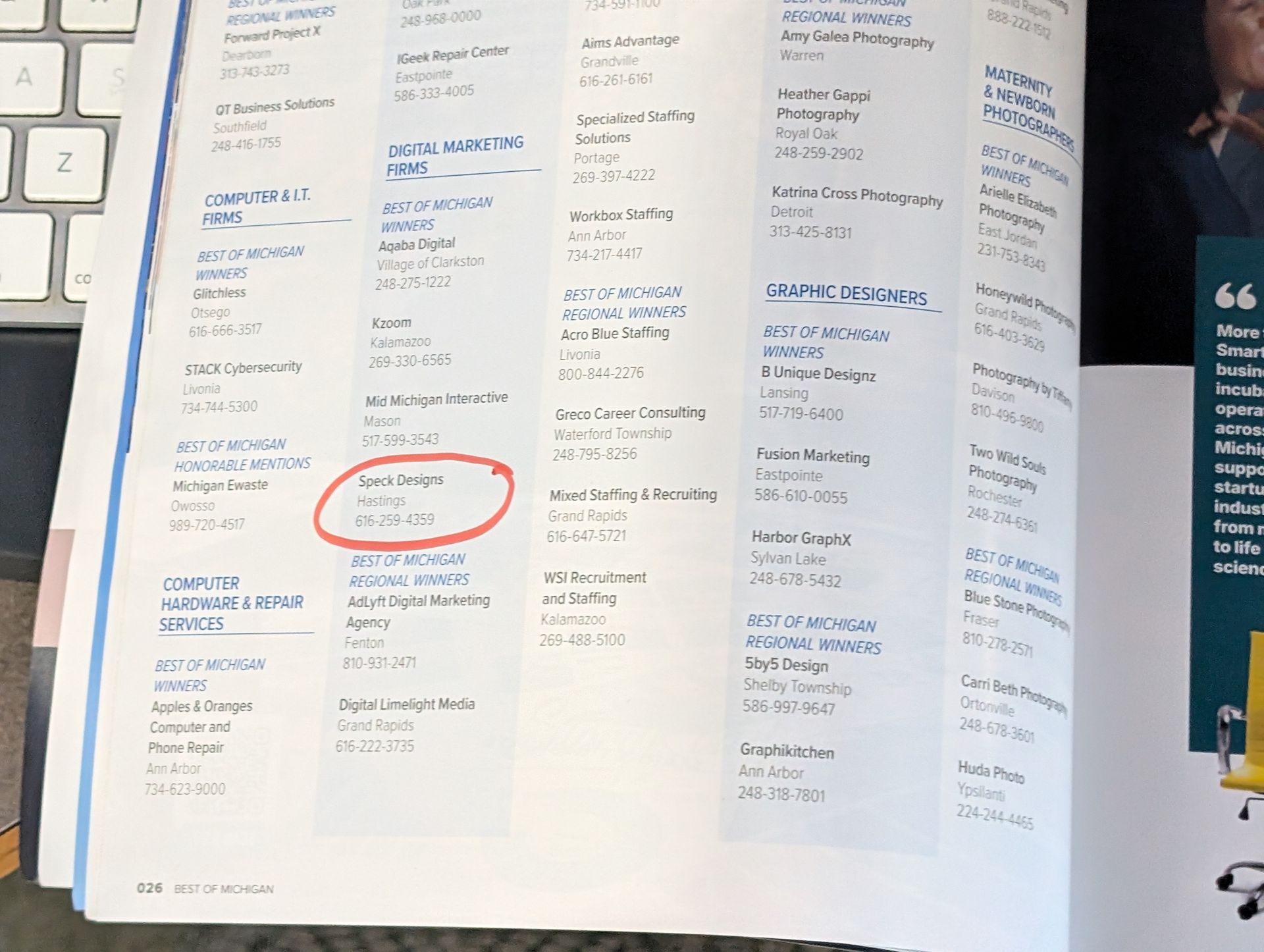
Open magazine spread with columns of text; a red circle marks an item in the lower left page.
By SD Team • October 28, 2026
Best of Michigan winner recognition means a lot to us. See why we’re grateful to our clients and voters, plus tips for choosing a marketing partner.
Person typing on a laptop displaying code in a dark-themed editor
By Cecelia Johnson • August 28, 2026
Learn how small service businesses can use AI for review responses, content ideas, Google Business Profile posts, and marketing reports without losing accuracy or trust.
Hands using a smartphone beside a laptop displaying a website with a grassy field.
By SD Team • August 11, 2026
Use this homepage copy checklist to clarify your service, location, proof, and next step so more local visitors call, book, or request a quote.
SHOW MORE BLOGS